Cut out anything. Free.
No signup, no watermark, full resolution. Drop a photo and get a clean transparent PNG in a few seconds.
Your photos are not stored. Each one is cut out and forgotten right away.
- Waiting in line…
- Cutting out…
- Lots of photos at once. Pausing a few seconds…
- This isn’t a picture we can read. Try JPG, PNG, WebP or HEIC.
- This file is over 20 MB.
- The service is overloaded right now. Please try again a bit later.
- Too many photos at once. Try again in a minute.
- You’ve hit today’s limit. Come back tomorrow.
- We couldn’t read this image. It may be damaged.
- We couldn’t confirm you’re human. Reload the page and try again.
- Something went wrong. Try again.
- Couldn’t prepare the file. Try again or pick another format.
- Your browser can’t copy images. Use Download instead.
- Copied. Paste it anywhere.
- Up to %n photos at a time. The rest were skipped.
- %n of %t ready
- cutouts.zip
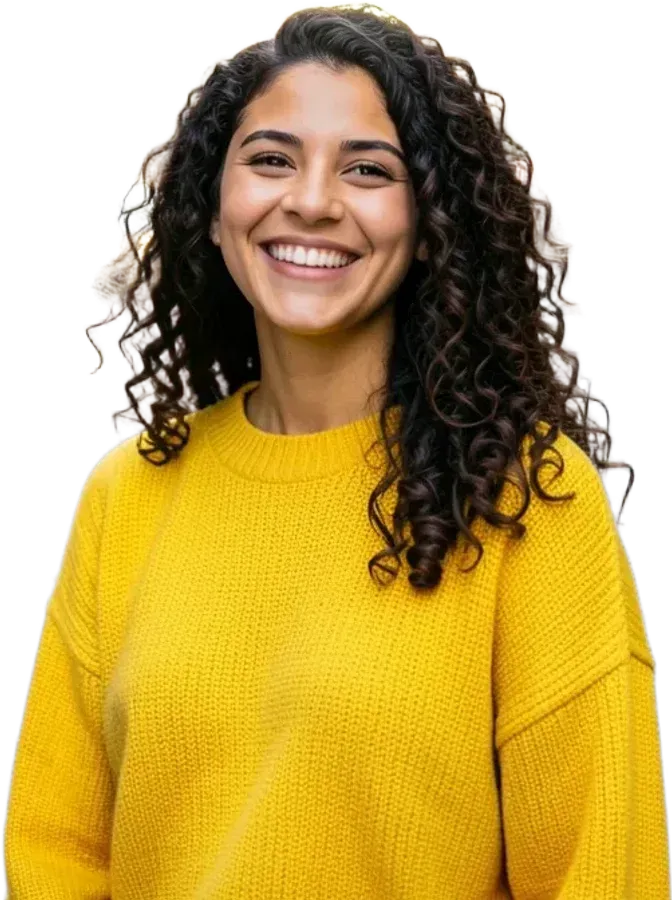
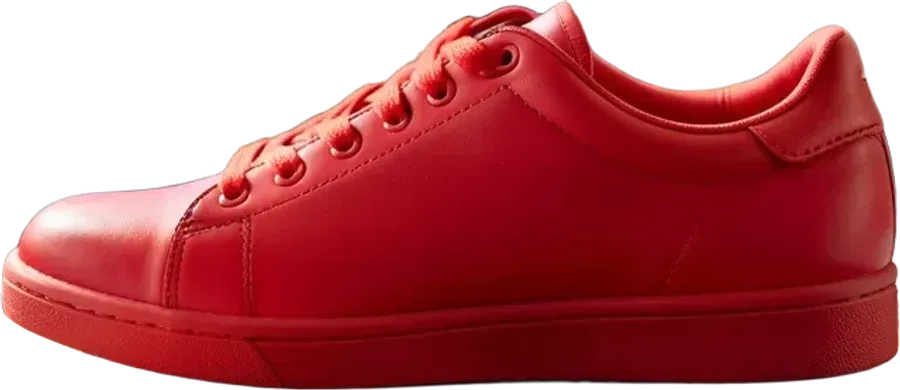
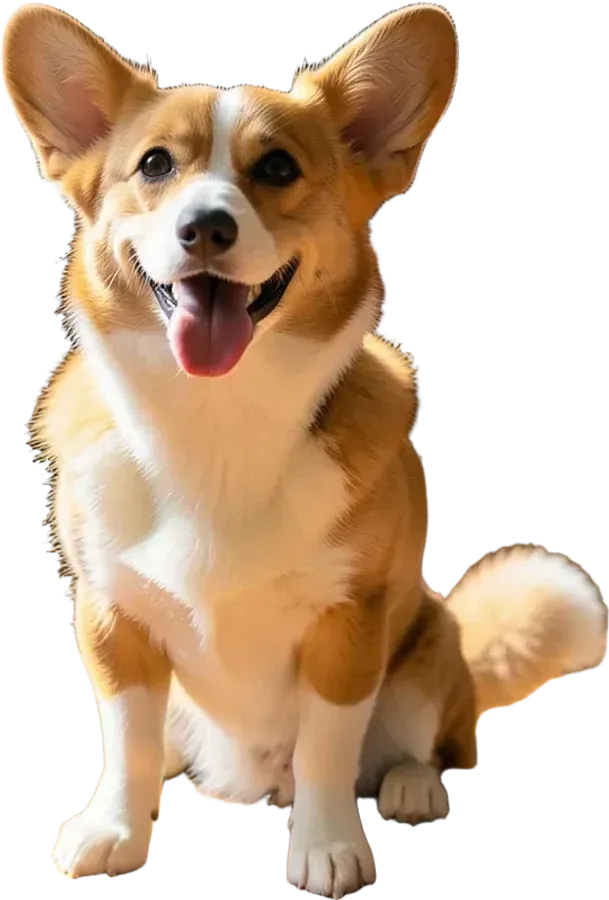
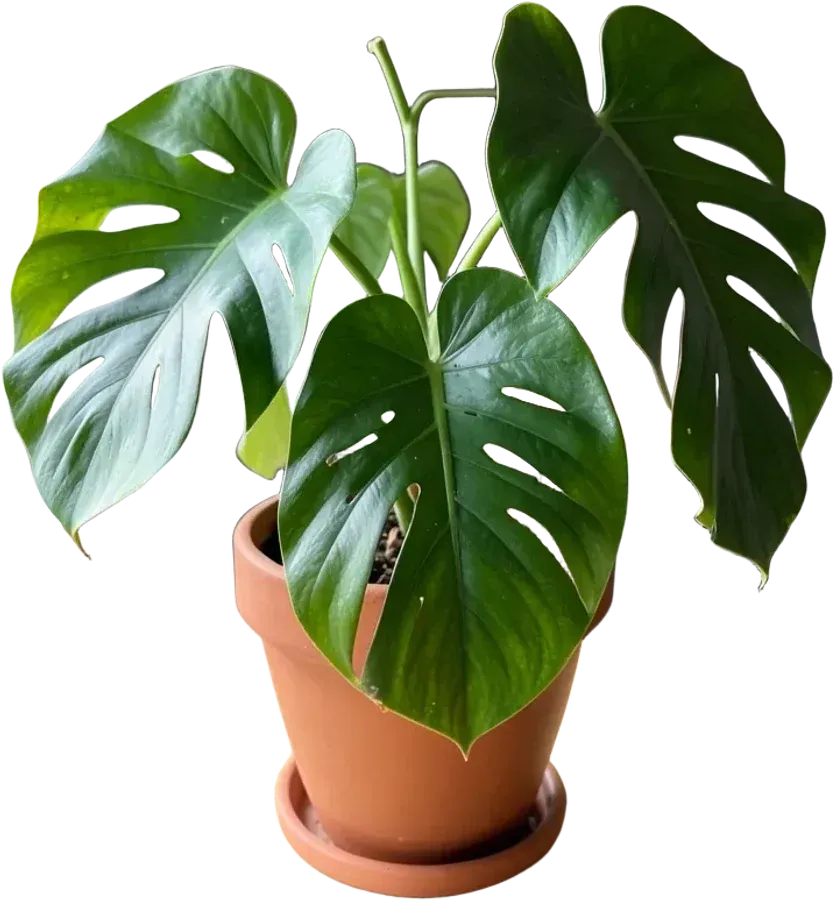
- No watermark
- Up to 4096 px
- 20 photos at once
- Sticker outline
- HEIC from iPhone
- Nothing stored
Three steps, no account
Drop your photo
Pick it, drag it onto the page or paste it with Ctrl+V. Several at once is fine.
We find the subject
An AI model separates the person or object from everything behind it. It takes a few seconds.
Save it your way
Download a transparent PNG, put a colour behind it, add a sticker outline, or copy it straight into a chat.
A background remover that doesn’t make you pay for the good file
Many “free” background removers give you a small preview and ask for credits to download the full size. Here the full-resolution file is the only file. Photos up to 4096 pixels on the long side come back at their own size, and bigger ones are scaled to 4096 so phones and laptops can handle them.
The cut is made by an AI model trained to find the main subject: hair, fur, leaves and see-through edges get soft, natural borders instead of a hard paper-scissors line. When the model keeps a bit of the background or drops a part of the subject, open Fix and paint over it.
Made for quick jobs
- Product photos for a shop listing: put the item on clean white.
- Profile pictures: cut yourself out and add a bright colour behind.
- Stickers for Telegram or WhatsApp: turn on the white outline and save as WebP or PNG.
- Slides and documents: copy the transparent image and paste it where you need it.
Questions people ask
Is this background remover really free?
Yes. There is no signup, no credits and no paid tier hiding the good version. You get the full-resolution PNG without a watermark.
What kinds of photos work best?
Anything with a clear subject: people, pets, products, cars, food, plants. Busy scenes with several overlapping objects are harder; if something is left behind, use Fix to brush it away.
How big can the result be?
Up to 4096 pixels on the long side. Smaller photos keep their original size. Files can be up to 20 MB, including iPhone HEIC photos.
Do you keep my photos?
No. Each photo is sent to our server only to find the subject, and the server forgets it as soon as the cutout is returned. Backgrounds, outlines and downloads are made in your browser.
Can I put a colour behind the cutout?
Yes. Open Background on any result to choose white, black or a bright colour, or keep it transparent. JPG downloads get a white background automatically.
Does it work on my phone?
Yes. On a phone you can take a picture straight from the camera or pick one from your gallery, then save the PNG or copy it into a chat.