A whole stack. All at once.
Drop a whole folder of product shots or portraits. Each photo becomes a sticker on the sheet, and one button saves them all as a ZIP.
Your photos are not stored. Each one is cut out and forgotten right away.
- Waiting in line…
- Cutting out…
- Lots of photos at once. Pausing a few seconds…
- This isn’t a picture we can read. Try JPG, PNG, WebP or HEIC.
- This file is over 20 MB.
- The service is overloaded right now. Please try again a bit later.
- Too many photos at once. Try again in a minute.
- You’ve hit today’s limit. Come back tomorrow.
- We couldn’t read this image. It may be damaged.
- We couldn’t confirm you’re human. Reload the page and try again.
- Something went wrong. Try again.
- Couldn’t prepare the file. Try again or pick another format.
- Your browser can’t copy images. Use Download instead.
- Copied. Paste it anywhere.
- Up to %n photos at a time. The rest were skipped.
- %n of %t ready
- cutouts.zip

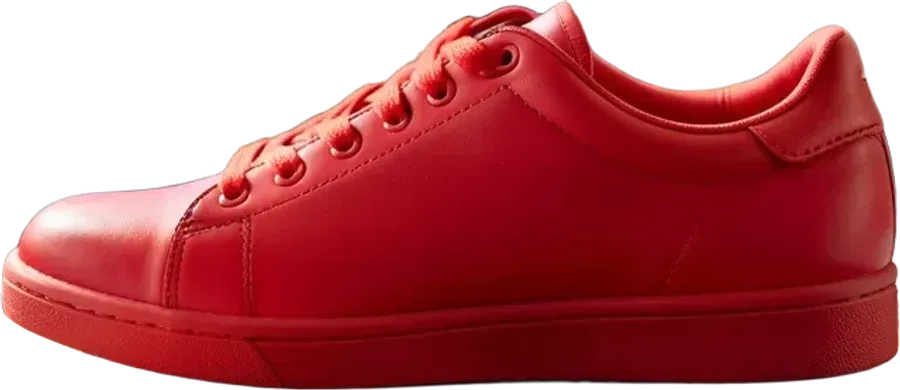

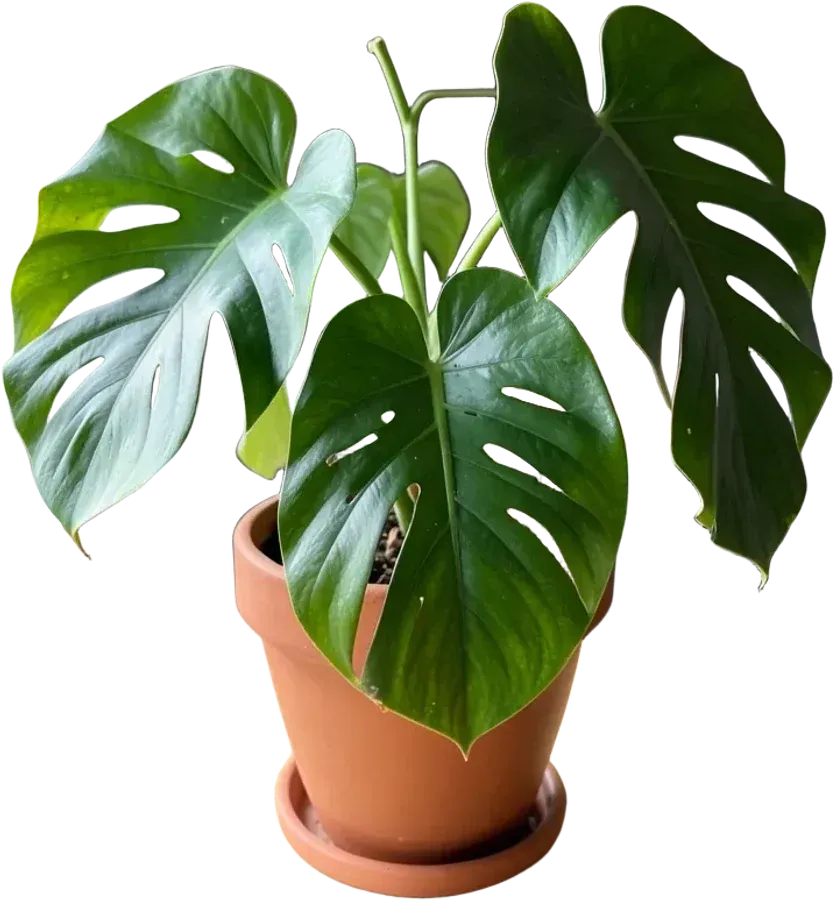
Batch background removal in three moves
Select many files
Shift-click or Ctrl-click in the file picker, or drag a selection from your folder onto the page.
Set one look
Pick a background colour or outline on any card and apply it to every photo with one tap.
Download the ZIP
“Download all” packs every finished cutout into one archive in PNG, WebP or JPG.
Who needs a bulk background remover
Online sellers photographing a new collection usually need the same thing twenty times: the item on clean white or on a transparent layer. Instead of uploading photos one at a time, drop the whole shoot, choose white for all, and save JPGs ready for a marketplace.
Teams and schools making a staff page or a yearbook get matching portraits: cut everyone out, give all of them the same brand colour, and the page looks consistent even if the photos were taken in different rooms.
Sticker packs come together the same way: cut out a set of faces or pets, switch on the white outline for all of them, and save as WebP for Telegram or WhatsApp.
Questions people ask
How many photos can I process at once?
Up to 20 per batch. When they are done, download them one by one or all together as a ZIP, then start another batch.
Is bulk background removal free?
Yes, with no signup and no watermark, the same as single photos.
Can I give every photo the same background?
Yes. Open Background on one card, choose a colour, outline or shadow, then press “Use for all photos”.
Why do some photos wait before they start?
Photos are sent two at a time. With a big batch the server may ask us to slow down for a few seconds; the cards continue on their own.
What are the files in the ZIP called?
Each file keeps its original name with “-cutout” added, so product-12.jpg becomes product-12-cutout.png.